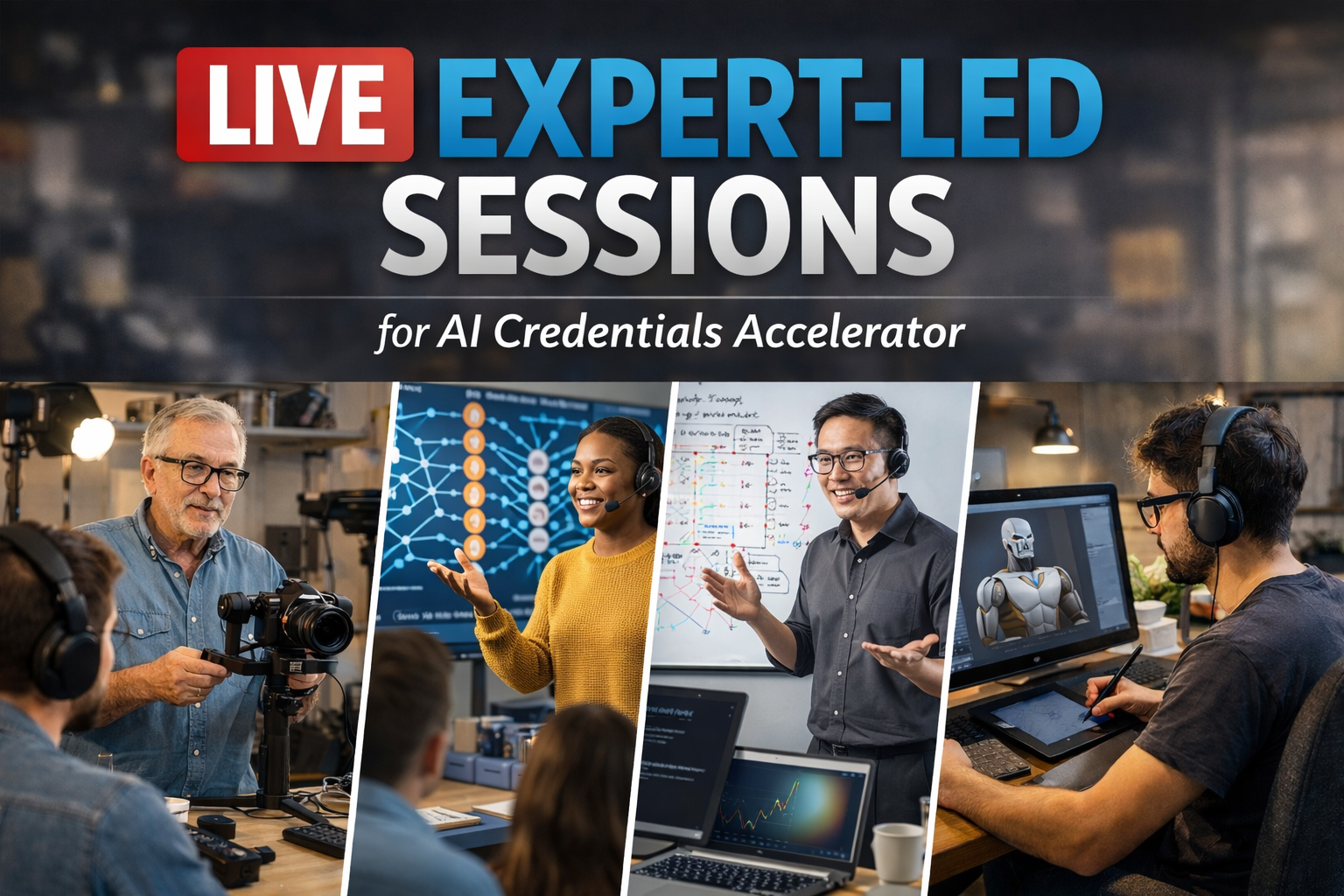
Live Expert - Led Sessions
Learn directly from certified Microsoft trainers through live, interactive sessions—ask questions in real time and work through practical scenarios.
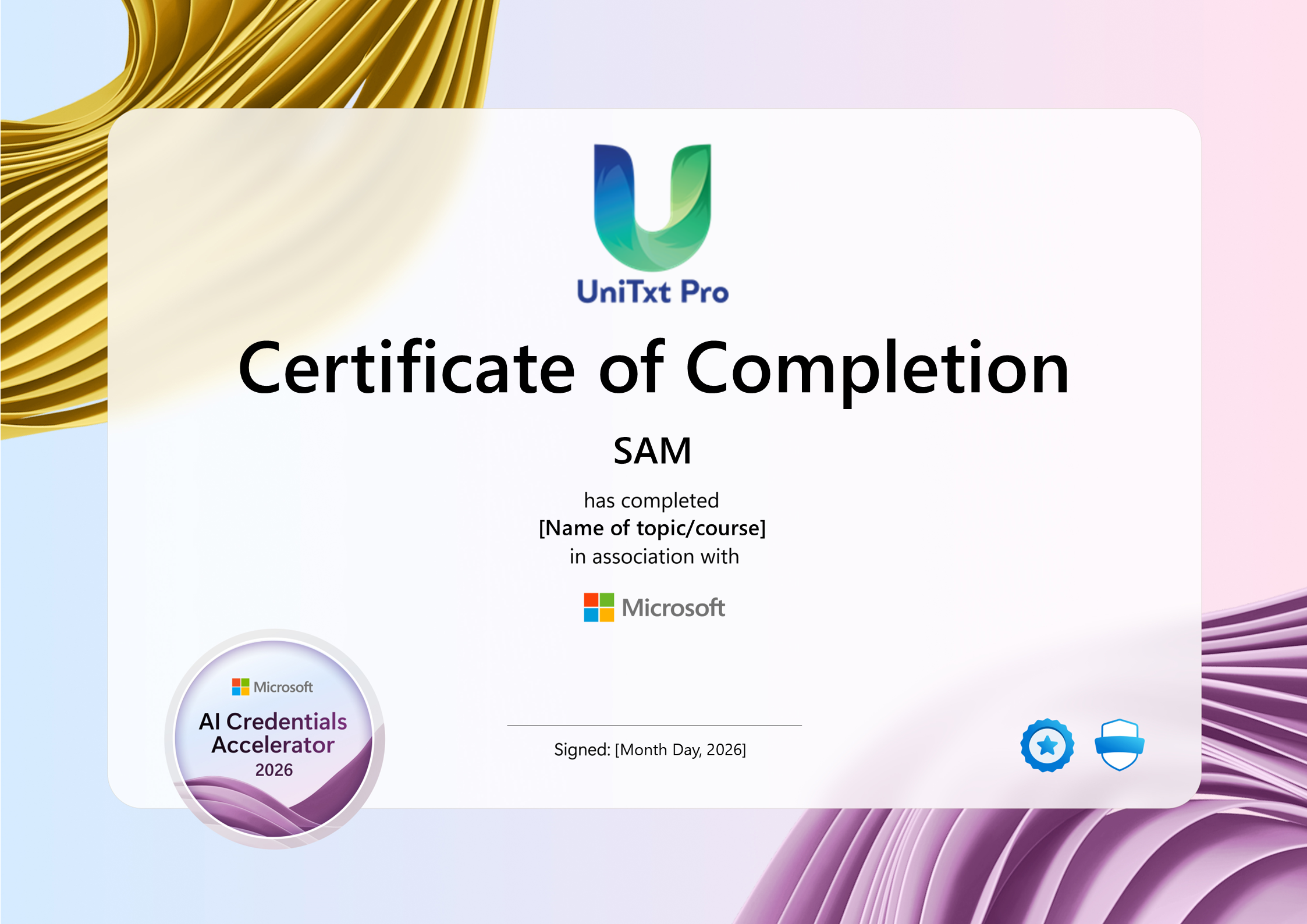
Co-Branded Certificate
Earn a co-branded Certificate of Participation from UniTxt Pro and Microsoft—an excellent boost to your professional profile.
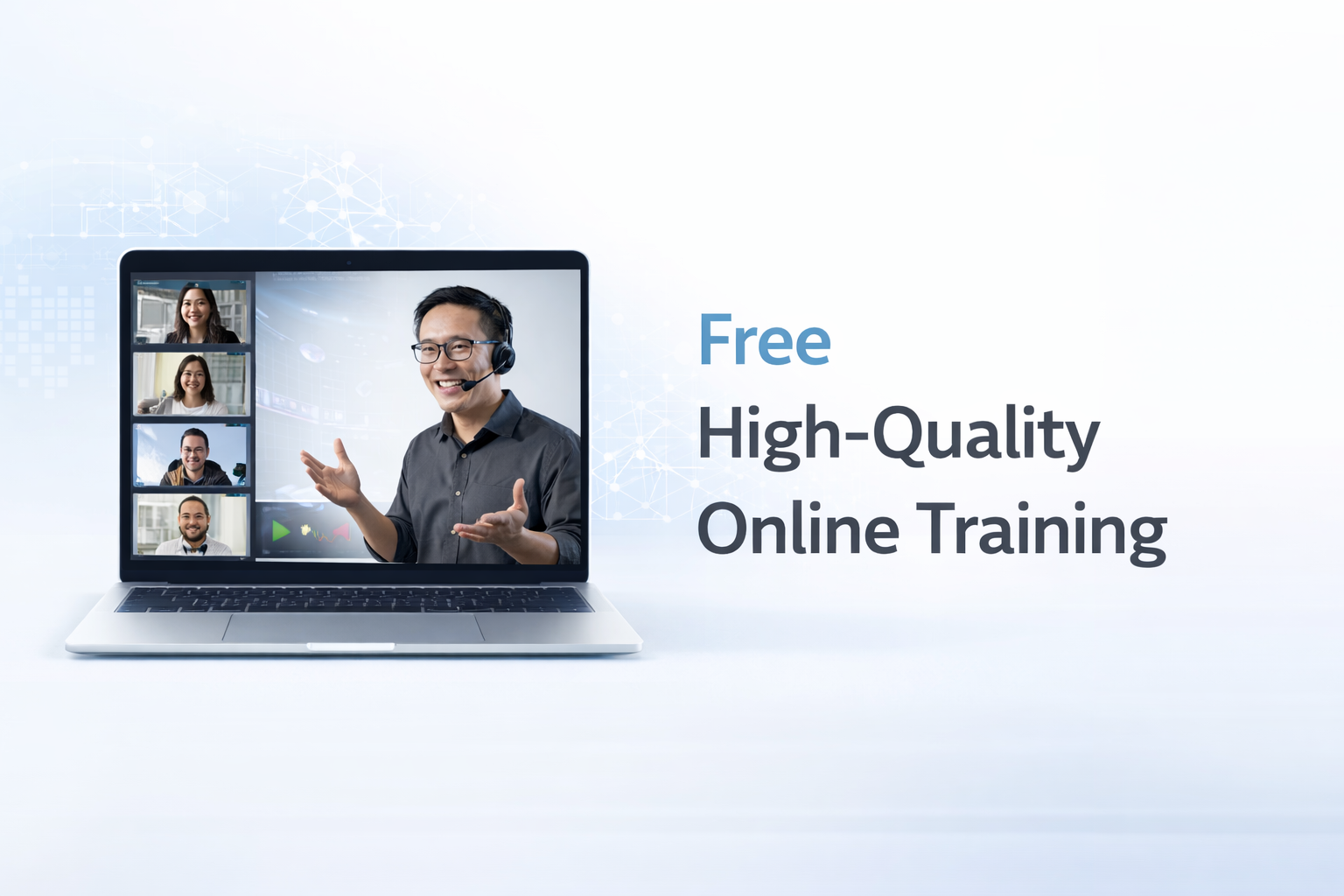
Free High-Quality Training
All sessions are free to attend—no hidden costs, no upsells, just pure learning focused on building your skills and confidence.
Exam - Ready Preparation
Each session is aligned with specific Microsoft certification exams—equipping you with the knowledge, strategies, and confidence to succeed.
About This Training
The Microsoft AI Credentials Accelerator Campaign is a global skilling initiative designed to accelerate learner adoption of Microsoft Applied Skills and Certifications.
Delivered by UniTxt Pro, this campaign offers free, instructor-led training sessions focused on real-world AI transformation and hands-on Copilot development—helping individuals and organisations build future-ready AI skills.
PL-7008: Create agents in Microsoft Copilot Studio
In the PL-7008: Create Agents in Microsoft Copilot Studio, you’ll learn to create advanced conversational agents using Microsoft Copilot Studio. The Microsoft PL-7008 course covers setting up copilots, managing conversation topics, and integrating generative AI with tools like Power Automate and Dataverse for Teams. Practical labs and guided projects help you gain experience in creating custom AI-powered bots and optimizing conversational flows, making it ideal for professionals seeking to enhance their expertise in conversational AI.
Course Objectives – Creating Agents in Microsoft Copilot Studio
- Build and deploy your first copilot using Microsoft Copilot Studio
- Design and manage conversation topics for effective user interactions
- Work with entities and variables to create dynamic, intelligent conversations
- Develop copilots integrated with Dataverse for Teams for real-world business use cases
- Apply your learning through a guided project to create fully functional AI-powered copilots
Curriculum
- Introduction
- Get started working with environments
- Create agents and work with the Microsoft Copilot Studio interface
- Create agents in Microsoft Copilot Studio
- Create topics
- Enhancing productivity with Generative AI
- Test your agents
- Publish agents and analyze performance
- Exercise - Create an agent with Microsoft Copilot Studio
- Introduction
- Work with agent topics
- Bot Framework Skills
- Branch a topic
- Create topics for existing support content
- Work with system fallback topics
- Manage topics
- Introduction
- Work with entities
- Custom entities
- Use entities in conversations
- Work with variables
- Reuse variables across topics
- Introduction
- Use Power Automate to add actions
- Agent actions
- Transfer conversations to agents by using Omnichannel for Customer Service
- Create topics for existing support content
- Trigger types
- Analyze agent performance
- Introduction
- Create your first agent
- Create and modify topics
- Add inputs, variables, and conditions
- Call an action to pull in Dataverse for Teams data
- Publish and share your new agent